

This post is part of a series of posts. It will teach you to use Python if you come from Java. I highly recommend you start from here. if you don’t know o only has a little bit of Python knowledge. Let’s begin.
The first step, or step zero is installing Python. If you already have Python on your computer, you can skip this part and go directly to Hello World.

Installing Python
There are several tutorials on the Internet and Python’s community that teach you how to install Python. So, using the DRY principle. Instead of creating another tutorial, I am going to share with you Python’s Beginners Guide. You only need to follow the instructions and that all. Installing Python is easy!!
After the Python installation, you will have the Python IDLE and the Python launcher.

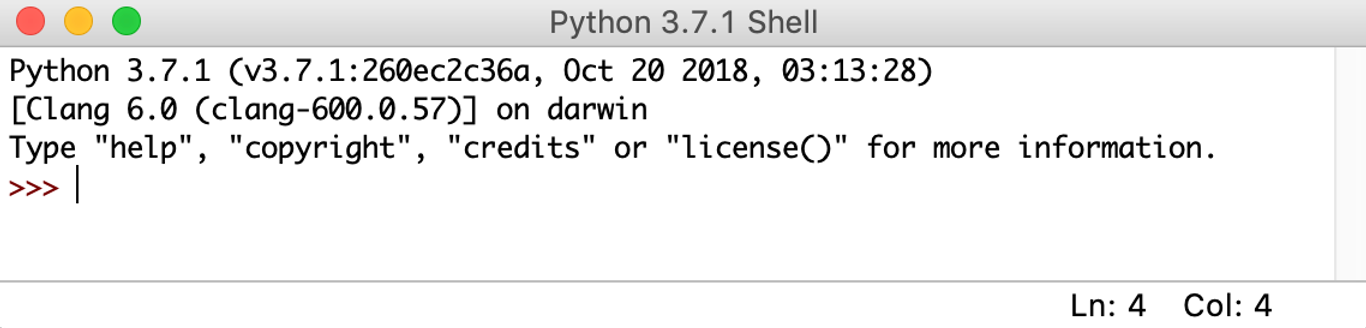
The Python IDLE
Python IDLE (Integrated Development and Learning Environment) is the default IDE (Integrated Development Environment) that comes with it. So, you can start programming from there with the “Hello World” example.
Python Launcher
The Python Launcher is a tool for computers that facilitates the management and execution of multiple Python versions. If you have several Python versions you can manage them with this tool.
Well, that is all for today folks, I hope that helps a little bit with Python.
Happy Learning!!!
 About Programming Squirrel
Leave a comment